
Mesa Criminal History Checks
A Mesa criminal record search should follow the type of event. A report stays with Mesa Police. A city complaint or ticket belongs to Mesa Municipal Court. MCSO shows county jail custody, and Maricopa Superior Court shows felony prosecution. Arizona DPS receives qualifying fingerprint and disposition data but does not give the public a statewide name-search tool.
- Use the Mesa Police Records Center when Mesa officers created the incident or arrest report.
- Choose the correct GovQA path and describe the report with its number, date, location, and involved names when known.
- Search Mesa eCourt for a city ticket or case, using its ticket search when the case number is unknown.
- Check MCSO for county booking status and Maricopa Superior Court for a felony filing. The county arrest search explains that custody layer.
- Use Arizona DPS fingerprint record review to inspect or correct your own statewide repository record.
These steps may overlap. A fresh arrest may appear in custody records before a court filing. Later, the filed charge and final disposition can differ from the initial booking label.
Mesa CJID Police Report Archive
The Mesa Police Criminal Justice Information Division, known as CJID, is the city's central repository for police reports and related records. That local role matters. CJID is not the Arizona DPS Central State Repository and does not replace a Municipal Court search. It manages the source material created by Mesa Police operations.
The official Mesa Police CJID source shows the city record function behind report requests.
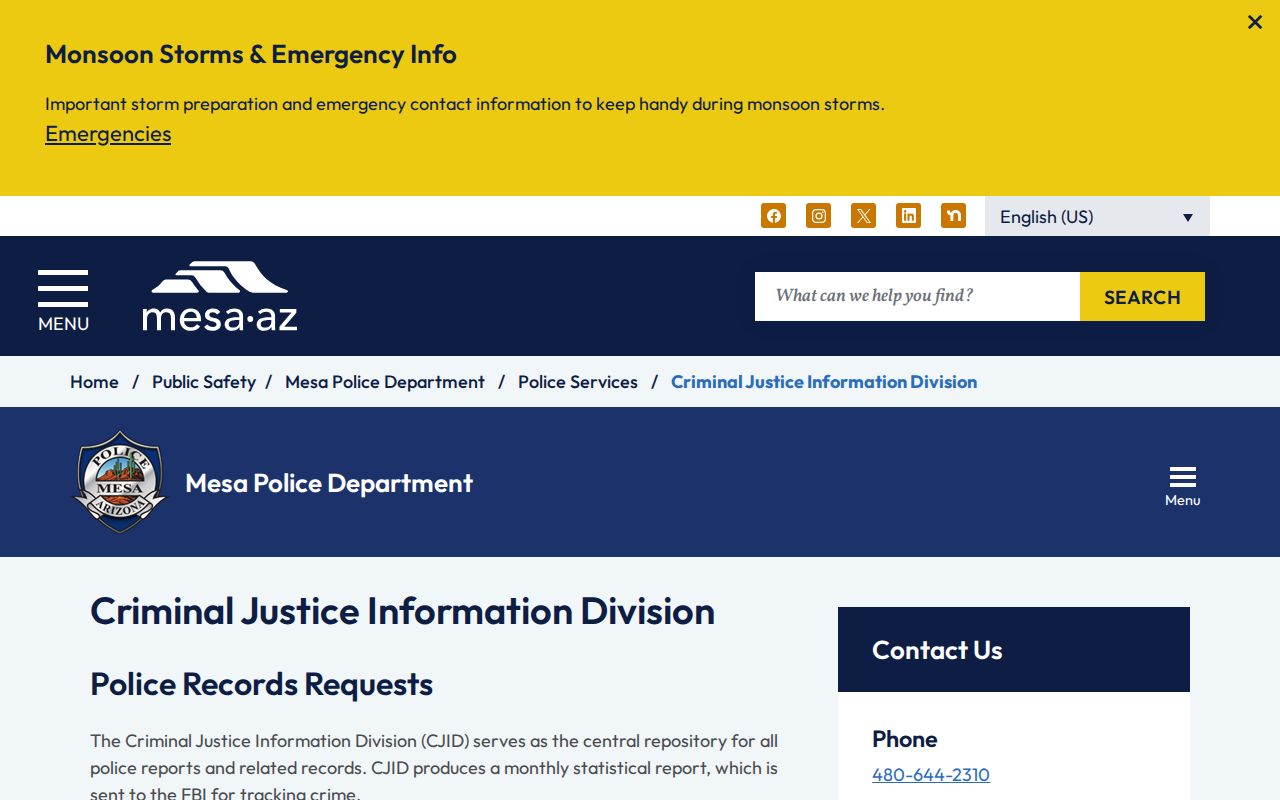
The captured page points Mesa readers to the department division that holds police reports rather than to a county court counter.
CJID also produces a monthly statistical report sent to the FBI for crime tracking. That reporting duty does not make individual police narratives public without review. A requested report may be redacted when it includes an active investigation, protected personal data, juvenile information, or victim details. Give CJID a focused description so staff can locate and review the correct Mesa file.
Records at the Mesa Police Department
Mesa Police records begin with the call, incident, citation, or arrest handled by its officers. A responsive Mesa file may contain the event number, date, location, officer narrative, listed offenses, property information, and an arrest reference. Some associated media may be treated as separate items. Mesa releases its own records; another agency remains responsible for a report it created inside or outside Mesa.
The central question is whether the requester wants the police account or the legal result. Mesa Police can supply the report after its public-record review. Mesa Municipal Court supplies the city docket and disposition. The Maricopa Clerk supplies a Superior Court file. MCSO supplies county custody data. A police report cannot certify what a judge later decided.
Mesa Police CJID
Criminal Justice Information Division
Mesa police reports and related records
Online requests through the Mesa Police Records Center
Mesa GovQA Record Request Paths
The Mesa Police Department Records Center uses GovQA to divide requests by purpose. Its visible options include Public Records Request, Subpoena Request, Vehicle Release Request, Government Agency Request, My Records Center, and Login. Most people seeking a police report use the public-records route. A vehicle release or subpoena has its own workflow and should not be forced into the general form.
The official Mesa Police Records Center shows those request choices at the start of the process.
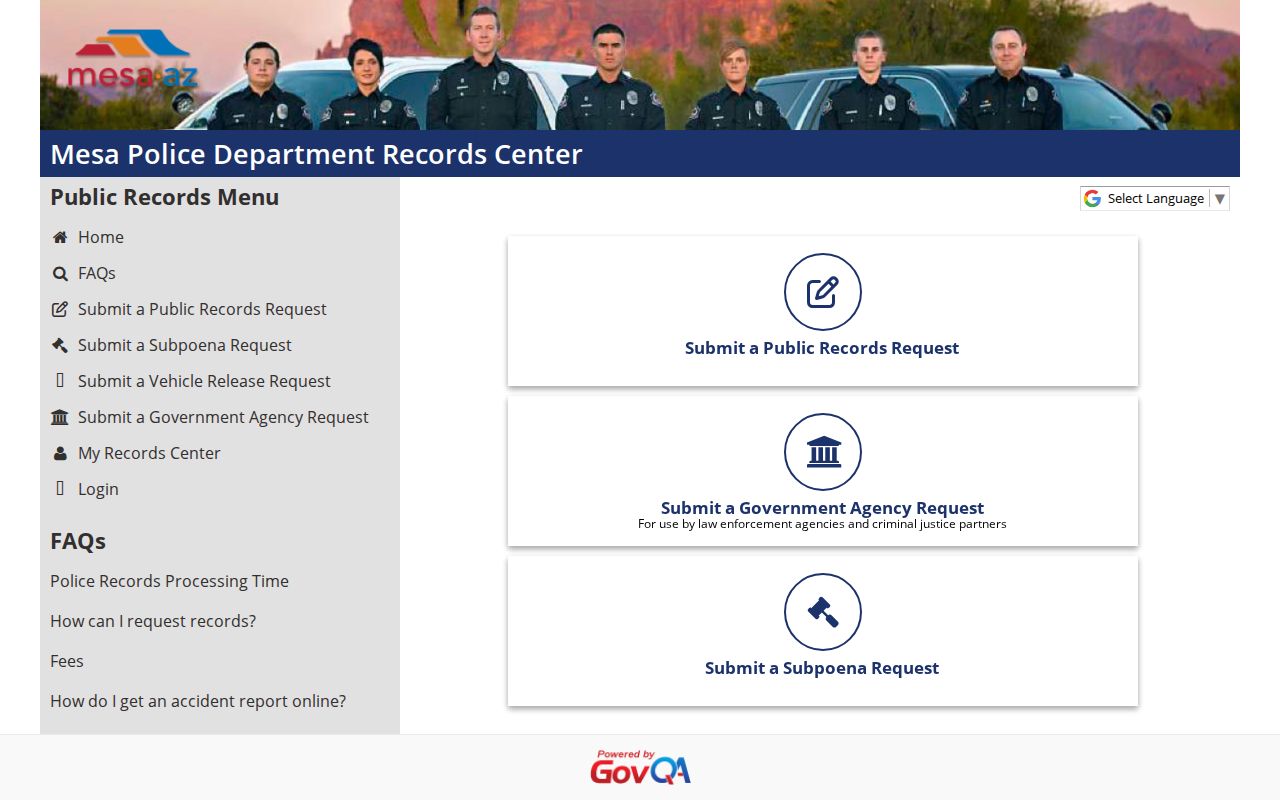
The menu supports a cleaner request because the city can route the submission to the team that handles that record type.
My Records Center is useful after submission because it keeps the request trail in the named portal. Include the Mesa report number when available. Without one, use a narrow date range, place, involved names, and a short description of the record. Do not request a court disposition through GovQA; Mesa eCourt or the court clerk is the proper source for that result.
Booking and Arrest Records in Mesa
A Mesa Police arrest report remains a city record even when county staff take custody. If an arrest leads to an MCSO booking, the Daily Jail Population Report can show current custody details such as booking number, status, booking and arrival dates, expected release date, and booking charges. The police narrative itself does not move into that public custody list.
Very recent Mesa activity can appear in the jail layer before a prosecutor files a case. A later city or felony court entry may use a different charge. Search Mesa eCourt for a municipal matter. Search the Superior Court of Arizona in Maricopa County for a felony. Use the Mesa report for the officer's account and MCSO for current county custody.
If the person later enters state prison after sentence, switch to the Arizona Department of Corrections, Rehabilitation & Reentry Inmate Data Search. MCSO is the county jail source, not the sentenced state-prison source.
Mesa eCourt Search Options
Mesa Municipal Court eCourt supports direct case inquiry and a ticket-search path. If the case number is unknown, the site tells the user to choose Search for Ticket. That tool can search by name, complaint number, parking notice number, or report number. The range of fields is useful because a person may have a police or citation reference before receiving a full court case number.
| Mesa eCourt field | Best use |
|---|---|
| Case number | Direct lookup when the court identifier is known |
| Name | Ticket search when no case number is available |
| Complaint number | Match a filed city complaint |
| Parking notice number | Find the linked notice in the city system |
| Report number | Connect a known Mesa police reference to a court inquiry |
Mesa search results are informational. When an official copy or certified result is needed, contact Mesa Municipal Court rather than treating a screen view as the official court record.
The Mesa Municipal Court File
Mesa Municipal Court maintains limited-jurisdiction city case files. Its docket is the source for charges filed in that court, hearings, status, rulings, and the final disposition. The underlying Mesa Police report remains with CJID. A felony does not stay in Municipal Court merely because Mesa officers made the arrest; felony prosecution belongs in Maricopa Superior Court.
| Court Name | Mesa Municipal Court |
|---|---|
| Case Types Heard | Municipal ordinance, misdemeanor, traffic, and other city matters within limited jurisdiction |
| Case Lookup Channel | Mesa eCourt by case number or Search for Ticket fields |
| What the Docket Shows | Case identifier, party and charge information, status, events, and disposition when public |
| Official Record | Request the court file or copy from Mesa Municipal Court when an online view is not enough |
Arizona Public Access can serve as a broader court layer, but the city court remains the direct custodian of its record. Sealed and protected cases will not appear through ordinary public search.
Mesa Record Update Delay
Mesa eCourt warns that results may be delayed by 15 minutes. That short delay matters after a new ticket, payment, calendar change, or court update. A person who checks at once may need to wait and run the same search again before assuming that the record is missing.
Longer timing gaps can occur between separate custodians. A Mesa arrest can reach MCSO custody tools before the court receives a filed complaint. A police report can remain under review after a public docket appears. Repository updates follow fingerprint and disposition reporting rules. The systems do not refresh as one shared screen.
Use the known Mesa identifier in the right portal and preserve it as the event moves. A Mesa report number helps CJID. A booking number helps with MCSO. A complaint or case number gives the court the cleanest match. If the online court result remains absent, contact the court rather than guessing from the police or jail entry.
How Mesa Records Reach the County
Mesa Police creates the first city law enforcement file. An MCSO booking creates a separate county custody record. A prosecutor then decides what charge, if any, to file. City matters stay in Mesa Municipal Court, while felony matters proceed through the Superior Court of Arizona in Maricopa County. Qualifying arrest fingerprints and later dispositions flow to Arizona DPS under state reporting law.
Record flow: Mesa Police Department › Maricopa County Courts › Arizona Department of Public Safety, Central State Repository Section
This sequence gives each Mesa channel a time and purpose. Use city police records for the report, MCSO for live county custody, the correct court for the filed case, and DPS fingerprint review for your own repository history. The broader Maricopa County criminal history overview maps the county and state layers without replacing Mesa's local sources.
Mesa Report and Court Record Split
A common Mesa search mistake is asking the court for the police narrative or asking CJID for the judicial disposition. The two records can describe the same event but serve different purposes. The report records what officers observed, received, and did. The court file records what was charged, scheduled, ordered, and resolved.
| Question | Mesa source | Record obtained |
|---|---|---|
| What did Mesa Police record? | CJID or GovQA | Incident, offense, or arrest report |
| What city charge was filed? | Mesa eCourt or Municipal Court | Docket and city case file |
| Is the person in county jail? | MCSO | Current booking and custody entry |
| Did the event become a felony? | Maricopa Superior Court | Felony docket, minute entries, and disposition |
Use both city sources when the facts and final outcome matter. Neither one alone is a complete statewide criminal history.
Mesa Southeast Records Counter
Mesa's East Valley location gives residents a county court service point nearby. The Maricopa Clerk lists the Southeast Regional Center at 222 E. Javelina, Mesa, AZ 85210, with the Clerk line at 602-372-5375. That counter concerns county court records. It does not replace Mesa Police CJID or Mesa Municipal Court.
Before visiting, identify the jurisdiction on the case. A Mesa city case should be handled through Mesa Municipal Court. A Maricopa Superior Court file may be served by a Clerk location. The Clerk charges $0.50 per page and $35 for certification according to the county research, while a Mesa police report follows the city's request process.
Court facilities can use security screening, so carry only what is needed and confirm the correct office first. A case number and photo identification can help staff locate an official file, but access still depends on whether the record is public.
Mesa Record Access Rules
Arizona law makes public records open for inspection unless a separate rule restricts release. Mesa Police must review its reports for protected content. Courts exclude sealed cases and several protected categories from public systems. Arizona DPS repository data is more restricted than a local police blotter or a court docket, so no public DPS name search fills a gap in Mesa results.
Key Statutes:
A.R.S. § 39-121 provides the basic right to inspect public records during office hours unless access is limited by law.
A.R.S. § 39-121.01 addresses copies, lawful fees, record care, and prompt responses.
A.R.S. § 41-1750 governs the central state repository and restricts dissemination of repository criminal-history information.
A qualifying arrest, dismissal, acquittal, or completed conviction may be eligible for sealing under A.R.S. § 13-911. A set-aside under A.R.S. § 13-905 is a different remedy and does not remove the repository entry.